
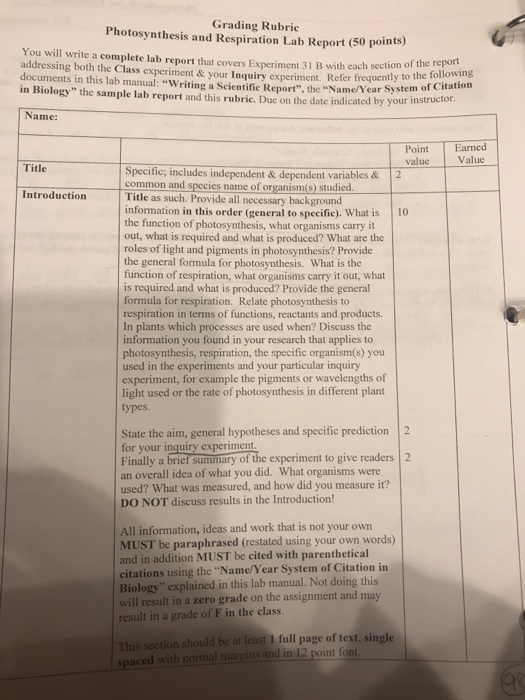
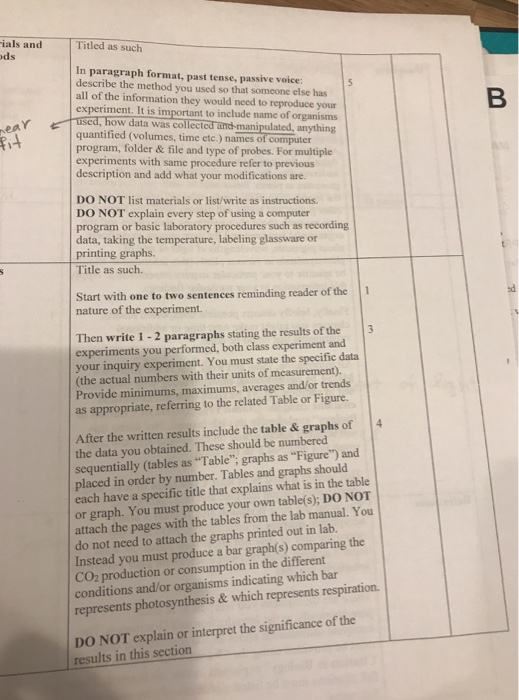
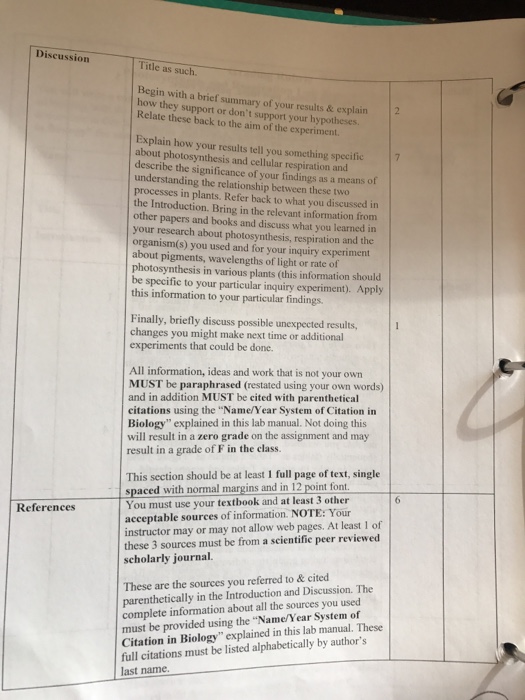
material and methods, results( tables and graphs), discussion, and
references.. using 4 resources! Thanks in advance.

see more
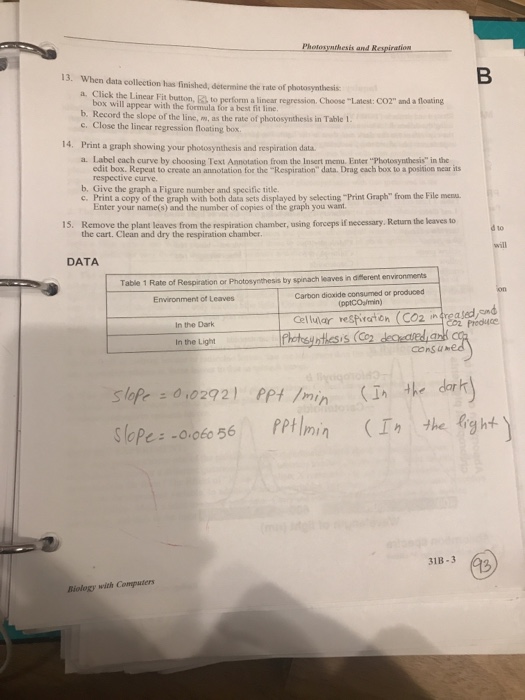
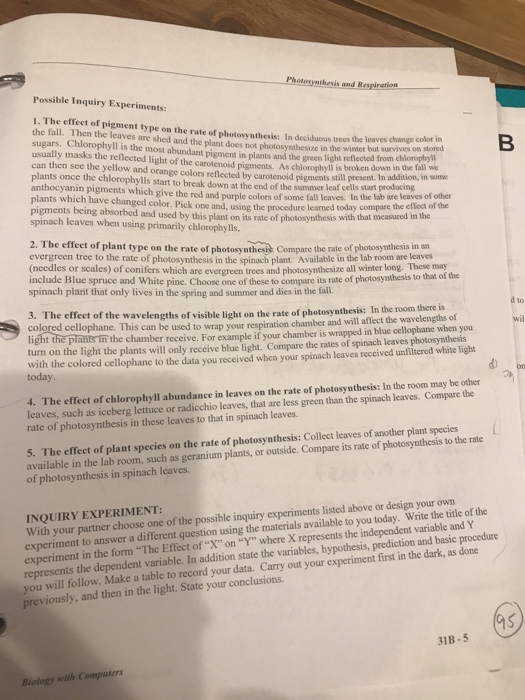
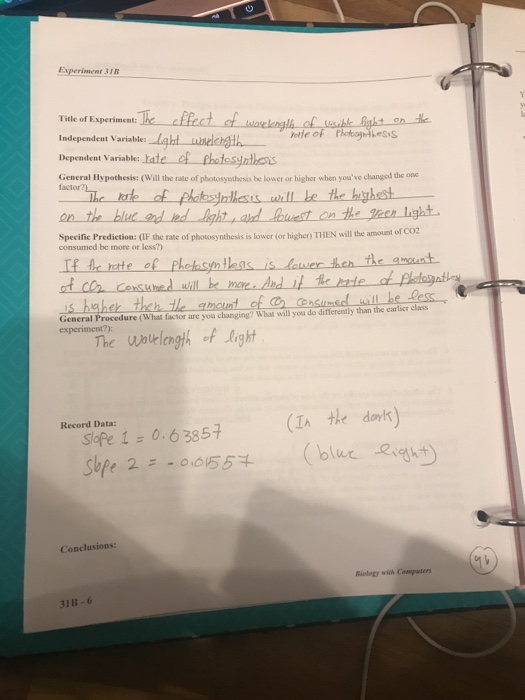
MATERIALS Venier computer interface Logger Pro Vernier CO: Gas Senso aluminum foil 250 ml. respiration chamber plant leaves lamp forceps 14 PROCEDURE I. Connect the CO; Gas Sensor to the Vernier interface. Make sure the interface is connected to the computer and plugged in. the computer for data collection by opening the file “31B Photosyn-Resp (Coz) from the Biology with Vernier 3. After 2 minutes calibrate the sensor by pressing the tip of a pencil or end a paper clip into the cl should stabilize at approxi letters “Cal”. If the sensor is functioning correctly, the level of CO 380 ppt (parts per thousand), the amount of CO, in the atmosphère. If your se somewhere between 300-,400 ppt after calibrating let your instructor know so you can a different sensor. Once you have a sensor that functions well allow it to warm up another nsor does not read 4. Obtain several leaves and blot them dry between two pieces of paper towel. You should have enough to S. Place the leaves into the respiration chamber, using forceps if necessary, Wrap the respiration 6. Placethe CO,Gas Sensortito the battleas shown in the diagram. wait 3 minutes before proceeding 7. Click to begin data collection. Data will be oleteod for 1S minutes and stop automatically fill the respiration chamber chamber in When data collection has finished, determine the rate of respiration: a. Click the 8. Linear Fit button, to perform a linear regression. A floating box will appear with the formula for a best fit line b. Record the slope of the line, m, as the rate of respiration in Table 1. c. Close the linear regression floating box. 9. Move your data to a stored run. To do this, choose Store Latest Run from the Experiment menu 10. Remove the aluminum foil from around the respiration chamber but leave the system intact. DO NOT 11. Turn the lamp on. Do not let the lamp touch the chamber. Wait an additional 3 minutes before collecting 12. Click Collect to begin data collection. Data will be collected for 15 minutes and will stop automatically. remove the sensor or clean the chamber! Wait 5 minutes. data. Biolegy with Compu 31B-2
ScholarMatic: Explanation & Answer
Your ready answer from a verified tutor is just a click away for as little as $14.99


Click Order Now to get 100% Original Answer Customized to your instructions!